



Luckysheriff Mobile Access
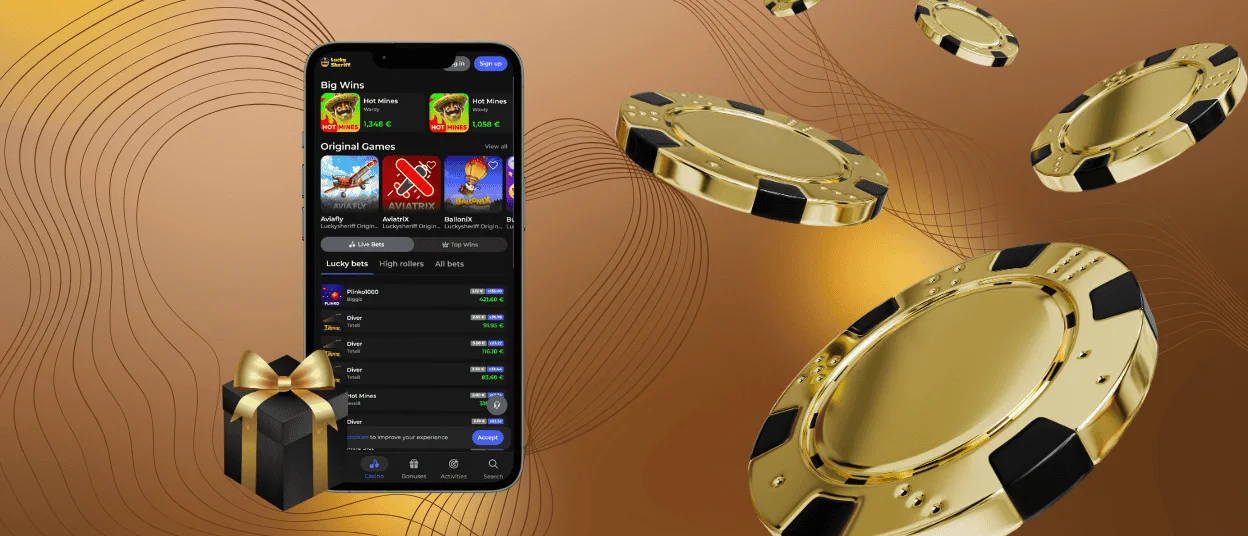
When you are commuting or traveling, the Luckysheriff app gives you full access to everything our casino has to offer. It runs on Android and iOS and fits any modern smartphone or tablet. Our app adapts all games and features to your screen size through touch-optimized controls.



Using Lucky Sheriff on Mobile
We give our players more than one way to access Luckysheriff Casino on mobile. Two main options are the browser version and the app, and they deliver the complete experience. You get all 6,000+ titles, including online slots, live casino games, table games and everything else. Neither version cuts corners, so the choice comes down to personal preference.
To use the Luckysheriff app, you need a registered account. If you do not have one yet, you can sign up directly through the mobile version in the same few steps as on desktop.
| Mobile Casino Feature | What It Does | Details |
| Instant browser access | Luckysheriff Casino can be opened directly in your mobile browser | It saves device storage and skips app store approval processes |
| Fast loading speed | Pages and games open quickly, even on slower mobile connections | Less waiting, more playing |
| Touch-optimized design | All controls and layouts are rebuilt for fingers | Navigation feels natural |
| In-app payments | Deposits and withdrawals are processed directly inside the app | Full payment method access without switching to a browser or desktop |
| Cross-device sync | Balance and history update across all logged-in devices | Pick up exactly where you left off, on any device |
Luckysheriff App for Android
Android users can set up the Luckysheriff app in a matter of minutes without visiting Google Play. Our mobile software runs as a progressive web app, which means it takes up minimal storage on your device and updates automatically without requiring manual downloads. We strongly advise against installing any Luckysheriff APK files from third-party sources. They are not official and can pose a real security risk to your device. To get the app running on Android, follow these steps:
- Open the Lucky Sheriff Casino website in your mobile browser – Google Chrome works well for this.
- Tap the three-dot menu in the top-right corner of the browser.
- Then you select “Add to Home Screen” from the options in the list.
- Confirm by tapping “Add,” and the icon will appear on your home screen.
- You can press and hold the icon if you want to move it to a different location.
Once installed, launching Luckysheriff is a single tap from your home screen. The gaming experience from that point is identical to using the full desktop site.
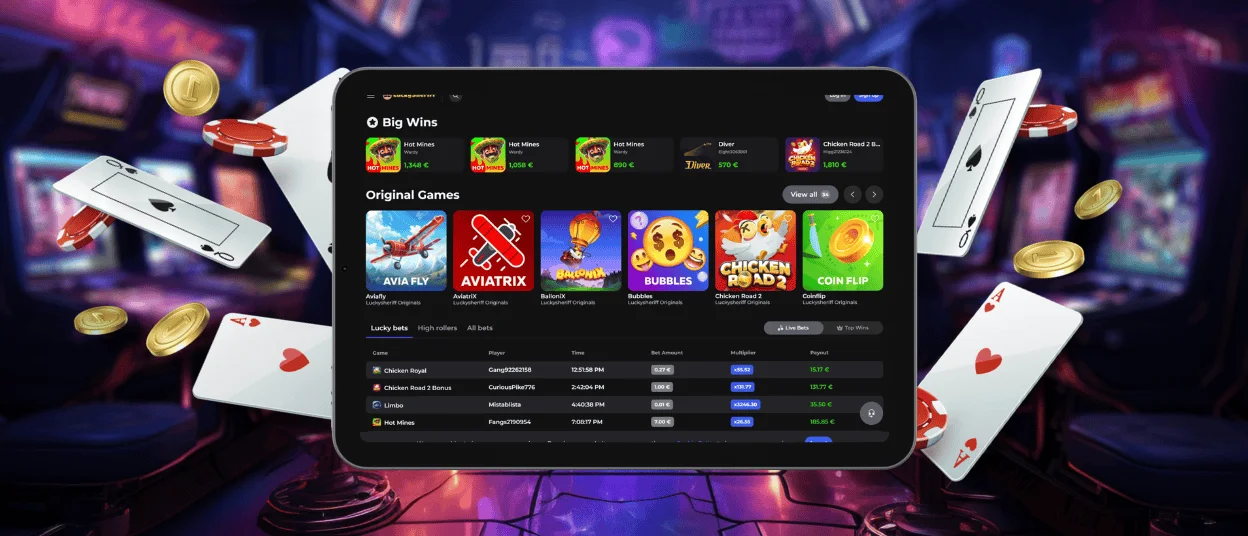
Luckysheriff App for iOS
iPhone and iPad users have the same access to everything on the Luckysheriff Casino platform as anyone using a desktop or Android device. You can open the site in Safari or any other iOS browser and use it directly from there, or you can install the app shortcut for quicker access.
Security on iOS follows the same standards as the rest of the platform. TLS encryption is in place across all connections, protecting your personal and financial information from unauthorized access at every stage. Members can also enable two-factor authentication on their devices as an extra layer of account protection. We recommend it for all users, regardless of which platform they play on.
The layout on iOS will be immediately familiar to anyone who has spent time on the desktop version of Luckysheriff Casino. The game categories are organized identically and the support team is accessible through live chat just as it is on any other version of the platform.
Verification on Mobile
If your first withdrawal happens to come from a mobile device, the verification process works exactly the same way as it does on a desktop. You will need to upload copies of your personal documents to confirm your identity, age and payment account ownership. The support team is available via live chat to help if you have any questions during this step. Completing verification is a one-time process. Once it is done, it applies to your Lucky Sheriff account across all devices.
Desktop App for Windows and macOS
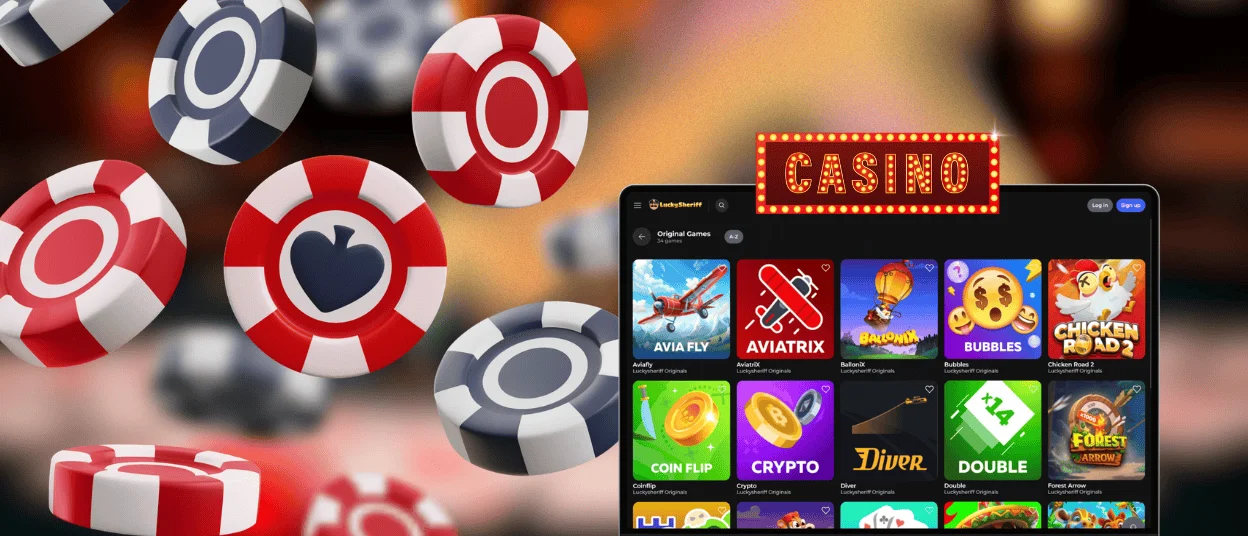
For players who prefer a larger screen, Luckysheriff Casino works on all Windows and macOS devices through any standard browser. The interface adjusts to the screen resolution automatically, and the full game library is available without any additional setup.
If you want faster access without searching through your browser each time, you can add a shortcut icon to your desktop.
- When visiting the Lucky Sheriff website from a PC, click “Add to Home Screen.”
- The shortcut will appear ready to use.
The main rule across all devices is that only one device should be active on your account at any given time. Using multiple devices simultaneously is not permitted under the platform’s terms.
FAQ
Is creating an account required to use the Luckysheriff app?
Demo mode on a selection of titles is available without an account, but real-money play and payments require registration. The sign-up process takes about two minutes and only needs an email address and a password to get started.
Does the casino app offer customer support?
The support team is accessible directly through the Luckysheriff app via live chat and email. Response times are the same as on desktop: live chat replies within minutes, and email handles more involved queries within a few hours.
How can I update the Lucky Sheriff Casino app?
You don’t have to do it manually. A progressive web app means it pulls the latest version automatically each time it opens. The session always starts on the current version without any input from you.


